
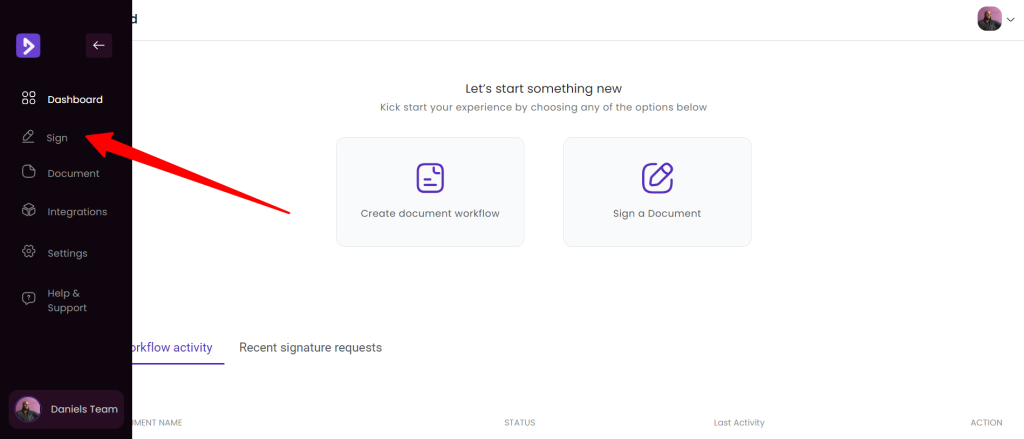
Log in to your account and click the ‘sign’ option in the left menu.
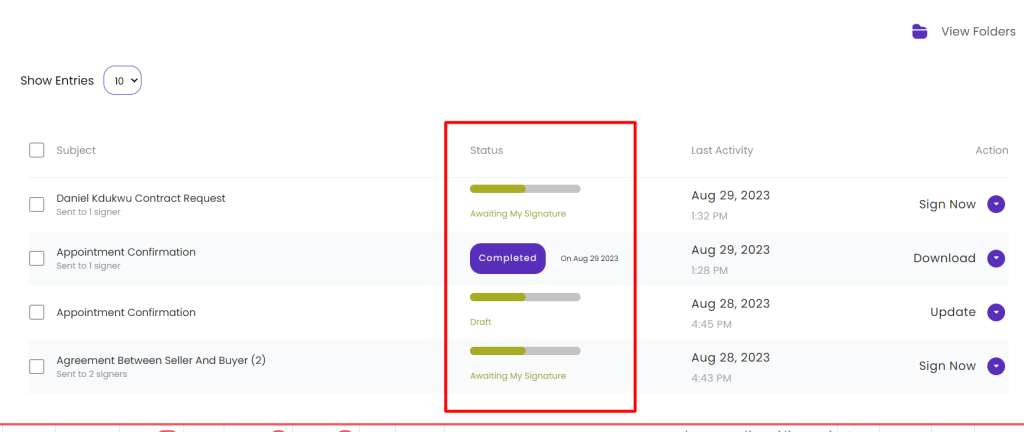
On the page that loads, you’ll see a list of all your previous sign requests. There’s a column labeled ‘status’. This column provides a quick overview of the document in question, indicating whether it is in draft mode, completed, or still in progress.
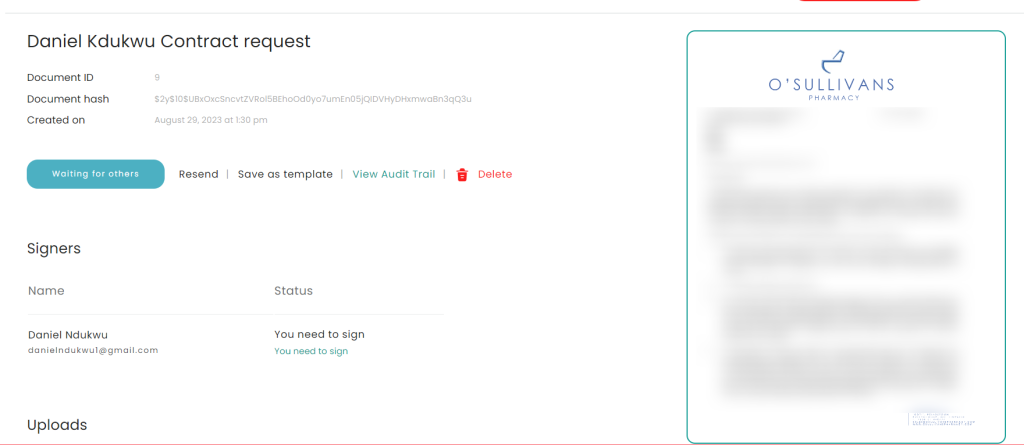
If you want even more details, click on the document you’re interested in.
On the page that loads, you’ll see a stats message such as ‘waiting on signature’, but you can also see exactly who or what is remaining to complete the process.
If you’re waiting on others to sign, you can locate their name and send a reminder manually.