

For some documents, it’s important for the signatories to sign in a specific order. You can set up strict adherence to a signing order in DoxFlowy by following a simple process.
Enforcing the signing order #
After you’ve uploaded your document, you can choose how you want to sign. Sign alone, with others, etc.
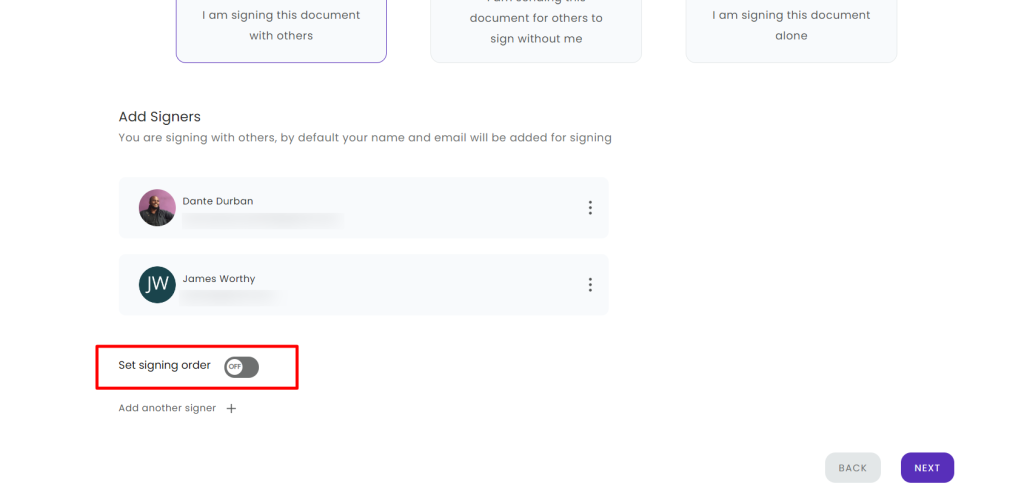
On that page, there’s an option you can toggle on called ‘set signing order.’
After toggling it, two rows of vertical dots will appear next to each signatory.
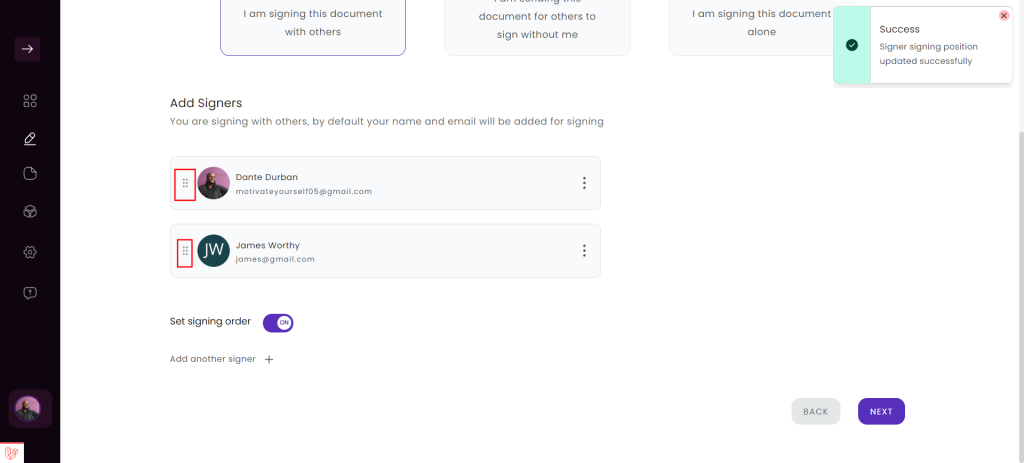
You can drag the position of the signatories up or down, depending on the order you want them to sign.
The first person to sign is at the top of the list. The second person to sign is right under them, and so on.
Note: when signing order is turned on, the next person will not receive the document until the person before them has finished signing.