

A quick walkthrough showing you how to cancel your DoxFlowy subscription #
When you log in to your DoxFlowy account, look at the user profile image in the top right corner. Click on the dropdown arrow.
In the dropdown box that appears, you’ll see an option labeled billing.
Click on it.
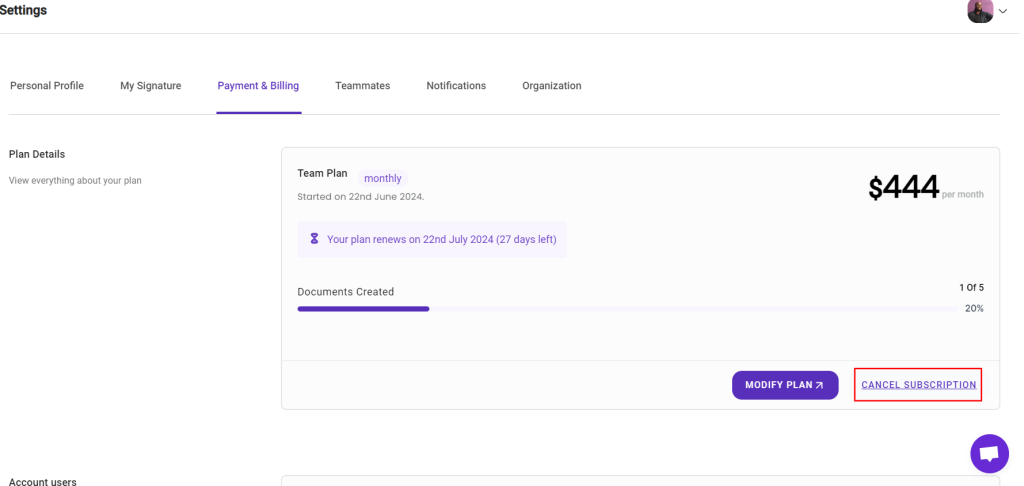
On the page that loads, you’ll see all the information related to your account’s billing status such as how much you’re paying, the number of documents you’ve created, what plan you’re on etc.
You’ll see a purple link labeled ‘cancel subscription’.
Click on that link.
When you click on the link, you’ll be asked to fill out a survey about your experience with DoxFlowy.
Please fill out the survey then click the red cancel subscription button.
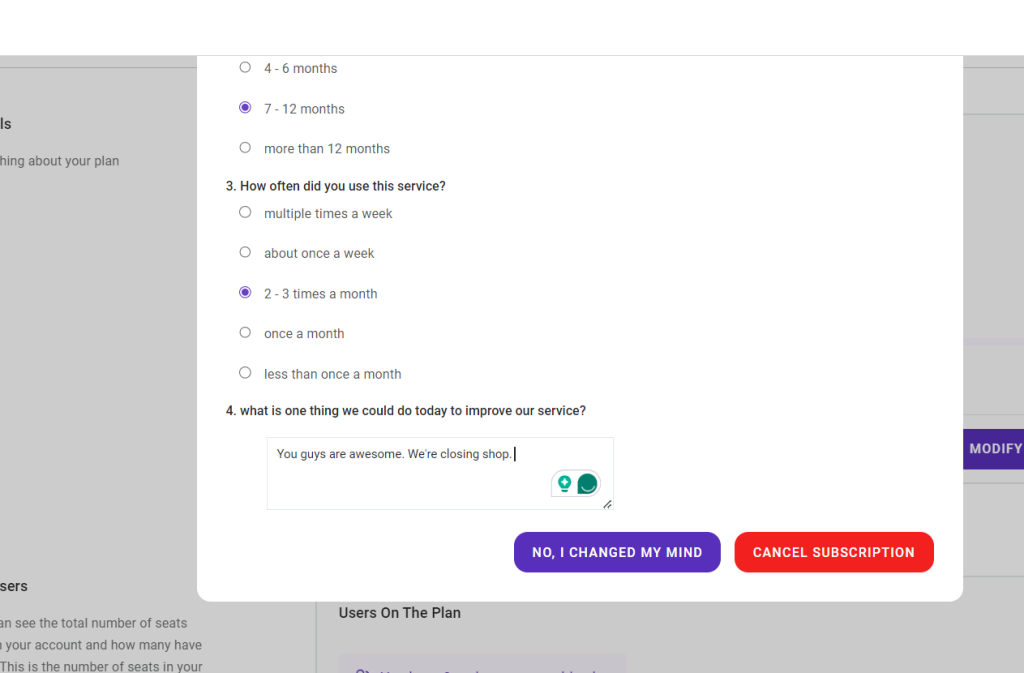
Once you click the red button, your subscription will be canceled and you will not be billed again.
You retain access to the end of your current billing cycle.